
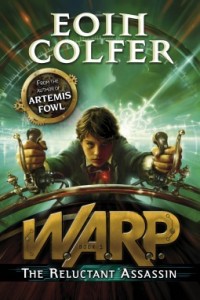
 I have a wonderful problem: my kids read books faster than I can find new ones for them to devour. Last week, we spent an hour in the bookstore, browsing new titles by our favorite authors. Of course, my children begged me to buy several books, especially Eoin Colfer’s new release, The Reluctant Assassin, the first in a new series by the Artemis Fowl creator.
But it’s only available in hardback. $20. Ouch.
Now, I’m all for supporting authors and the book business in general. And I’d rather spend money on books than (gasp!) more video games or apps for their devices. (If I hear the word “Minecraft” one more time…) My kids love owning books, and if we ever want to get rid of any volumes, we donate them to the library, so others can enjoy them.
But, we’ve already purchased several books this summer, and a mother, even a word nerd, needs to stick to her budget.
Thank goodness we can borrow books!
Several ways to borrow
-
Check out books
Of course, we go the traditional route and check out printed books from our local library. Like fifteen a week. My kids and I have gotten savvy with searching the catalog online and placing holds or requesting items from other branches.
-
Borrow ebooks from the library
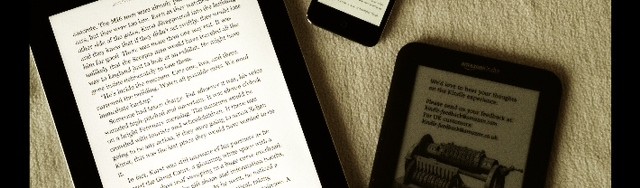
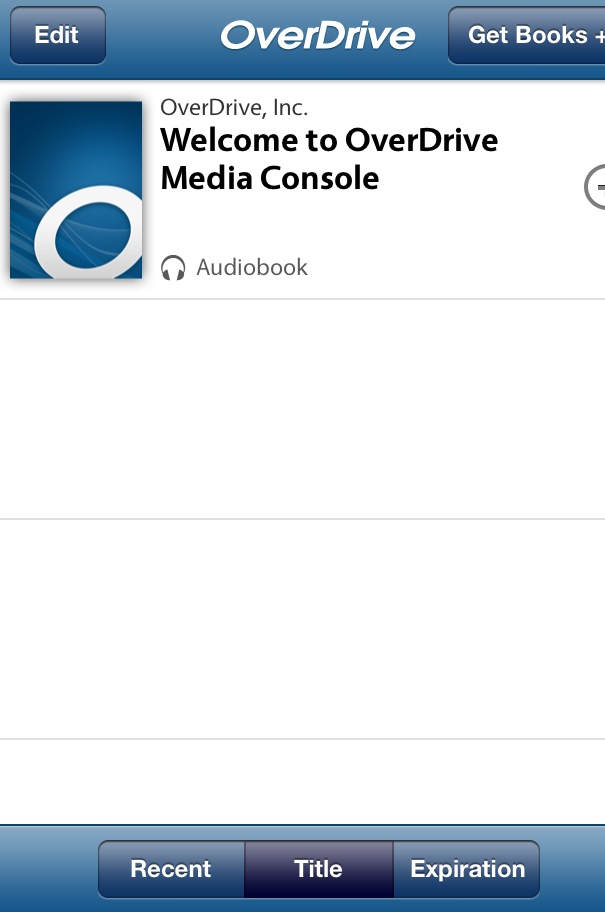
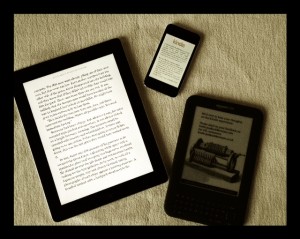
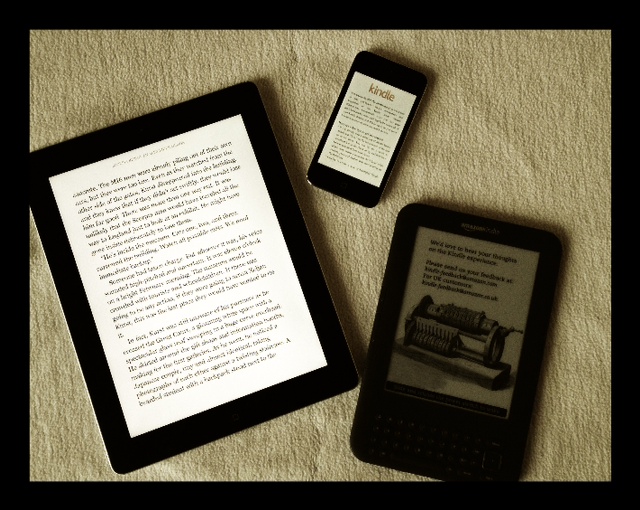
Did you realize that you can check out ebooks as well as printed books? This has been a huge help this summer, and it’s very easy to set up. All you need is an electronic reading device (computer, cell phone, iPod, iPad, eBook reader) and access to a distributor program. My library uses Overdrive.com.
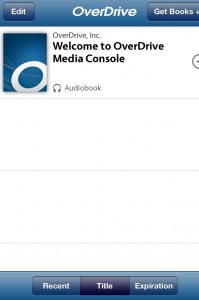
Overdrive on my iPhone!
To set up your account, visit your library’s website. Have all relevant information ready, including your library account number and your eReader account number (Kindle, Nook, etc.)
Once you’re set up, you can search for available eBooks. I know it seems like an electronic book should always be available, but libraries have contracts with publishers that limit the number of check-outs per title. (More on this next week.) When the eBook becomes available, you can download it to your favorite device. Overdrive allows you to have the book for two weeks. You can also use Overdrive to borrow audio books.
- Borrow from the Kindle Lending Library
An Amazon Prime Membership allows access to one free eBook each month. My son has read the entire Hunger Games trilogy this way, and he’s also found some interesting new fantasy/ adventure titles. I just like to preview them first on Goodreads.
The Benefits of Borrowing
Borrowing has been a great resource for me this summer.
Pros of borrowing eBooks :
- You can get reading material without leaving your home; Overdrive has an iPhone app, which makes finding books even more convenient.
- You don’t have to pay for the book. Saving money is always good.
- With the rise in digital publishing, you have access to more content. Many authors are self-publishing via digital media to avoid the hassles of traditional publishing and get great material out to readers quickly.
 Cons of borrowing eBooks:
- Popular titles usually have a waiting list (but this is true of printed books.)
- You can’t always find the book you want.
- If you like the experience of reading a traditionally printed book, you’re out of luck.
How do you read on a budget? Have you ever borrowed an eBook? What system did you use and was it a good experience? What else would you like to know about borrowing eBooks?
Thanks for sharing!
Julia