
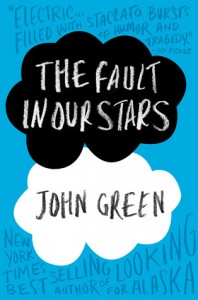
 Have you heard of John Green? Young adult author and leader of Nerdfighters everywhere? Let me introduce you.
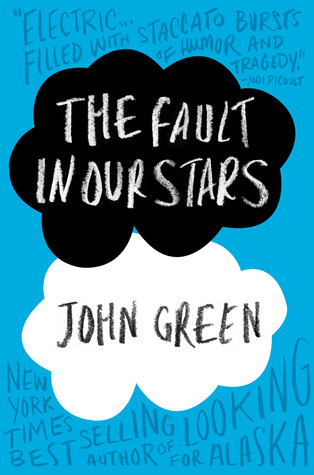
John Green has published five YA novels. His latest, The Fault in Our Stars, has earned critical praise, commercial success, and the Goodreads Choice Award for 2012 for YA fiction. Fox 2000 also plans to make it into a movie.
I cannot stop raving about The Fault in Our Stars, even though I sobbed for two days after I read it. (I know, I’m sensitive, but you’d really have to be a Grinch not to shed one tear.) My book club will read this 21st century romantic tragedy in April, and I can’t wait to discuss it. Expect to find a “What Makes a Great Character” post that month!
Five great things about John Green’s novels
John Green writes realistic fiction. No vampires, witches, or magic. And yet, his books captivate millions of readers and many critics. Here’s why I enjoy them:
- big questions Green’s books tackle deep questions, like “What mark will I leave on the
 world?” or “Am I more than just my reputation?”
- humor Green balances the intense philosophical stuff with humor. His characters exchange witty dialogue and embark on hilarious adventures. While reading Paper Towns late one night, I literally shook my bed with giggling and earned a glare from my (trying to sleep) husband.
- references to great literature and poetry His characters discuss works like “The Love Song of J. Alfred Prufrock” and “Leaves of Grass” and their significance in modern lives.
- nerdiness Green’s characters often are smart and introspective. A little on the geeky side. I love that. (See title of this blog.)
- unique voice Many of his protagonists are male, which is unusual for YA fiction. All of them bring a quirky and interesting perspective to the narrative.
Besides having tons of readers who follow him, John Green also has a huge online audience via:
- The VlogBrothers You Tube channel: John and his brother Hank post videos about things like Internet Addiction and Football for Nerds. (Did you know that only 11% of a televised football game actually shows the players playing? See Hank’s breakdown for more details…)
- The Crash Course! You Tube channel: John and Hank post instructional videos on literature, ecology, history, and other subjects. More fun than those high school videos you watch(ed).
- The Nerdfighters Website and Community: Over 80,000 members gather to “increase awesome and decrease suck”. You can find chats, forums, videos, and book bloggers all dedicated to celebrating nerdiness.
- An active Twitter account. Quick! See his tweets about President Obama and the penny!
With his books and his videos, John Green has made geekiness cool. How can this word nerd NOT love him?
Have you read any of John Green’s books? What did you think? Who are your favorite YA authors and why?Thanks for adding to the discussion. Now go be awesome!
Julia
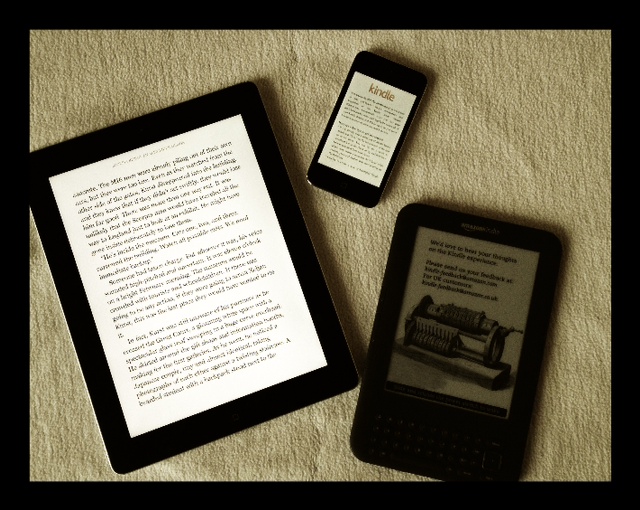

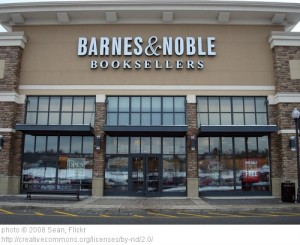 While running on the dreadmill earlier this week (no, that’s not a typo- it was eight degrees outside and the d-mill was my only option), I heard an interesting piece of news: Barnes and Noble will close about a third of its brick and mortar bookstores over the next decade.
 reputation for terseness of speech: using or involving the use of a minimum of words; concise to the point of seeming rude